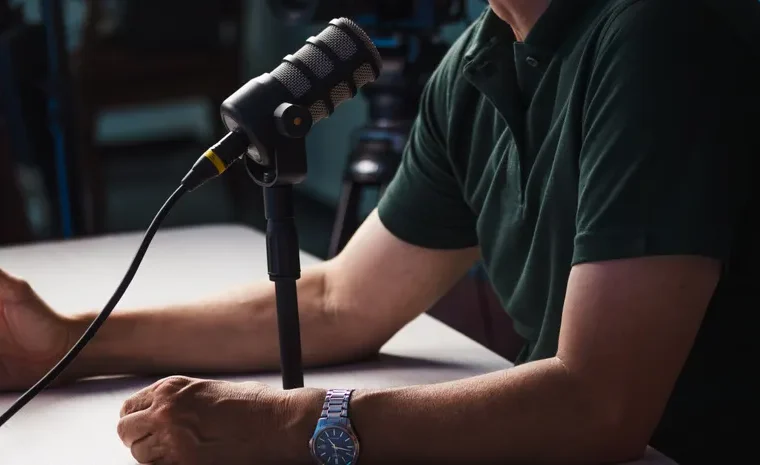
Podcasting generates hours of post-production work for every episode recorded, from cleaning up audio to writing show notes to cutting social clips. AI has genuinely compressed each stage of this pipeline, and the right tool depends on which stage is eating most of your time.
Recording: Riverside
For remote interviews, Riverside records each guest’s track locally on their own device rather than over a potentially unstable call, which avoids the dropped audio and compression artefacts that plague standard video call recordings. Its free tier is genuinely usable for getting started before committing to a paid plan.
Cleaning Up Audio: Adobe Podcast
If your recording has background noise, room echo or an inconsistent microphone, Adobe Podcast’s free speech enhancement tool remains the strongest no-cost option for cleaning it up, capped at one hour of processing per day on the free tier.
Editing: Descript
Descript changes the editing process fundamentally by letting you edit audio and video through a text transcript, so deleting a sentence in the transcript deletes it from the recording. Its automatic filler-word removal alone saves significant manual editing time on a typical episode.
Watch out for: AI credits deplete faster than expected on longer episodes, so factor this into which plan you choose.
Turning One Episode Into a Week of Content: Castmagic
Once an episode is recorded, Castmagic generates show notes, chapter markers, social posts and a newsletter draft from a single upload, which addresses the genuinely time-consuming part of podcasting that has nothing to do with recording or editing at all.
Turning Documents Into Audio: NotebookLM
Google’s NotebookLM takes a different job entirely: it turns your own uploaded documents into an AI-narrated, conversational audio overview, which suits research summaries or briefings rather than a traditional interview-style podcast.
A Simple Way to Build Your Stack
- Recording remote guests? Riverside avoids the call-quality problems of standard video call recording.
- Audio sounds rough? Run it through Adobe Podcast’s free enhancement before anything else.
- Editing is your biggest time sink? Descript’s transcript-based editing removes most manual audio work.
- Struggling to repurpose episodes into other content? Castmagic turns one upload into a week’s worth of assets.
- Want to turn your own documents into audio, not record a traditional show? NotebookLM is a genuinely different, free tool for this specific job.
Frequently Asked Questions
What is the best free AI tool for podcast editing?
Adobe Podcast offers the strongest free audio cleanup currently available, while Descript’s free tier covers basic transcript-based editing before its paid plans unlock more processing time.
Can AI really edit a podcast for me automatically?
AI tools such as Descript automate specific tasks well, particularly removing filler words and silences, but most podcasters still review and adjust the automated edit rather than publishing it completely unchecked.
What is the best AI tool for turning a podcast into social media clips?
Opus Clip specialises specifically in this, automatically identifying and formatting the strongest short segments from a long episode for platforms such as TikTok and Instagram Reels.
Do I need different tools for recording and editing?
Not necessarily. Descript and Podcastle both combine recording and editing in one platform, which suits podcasters who prefer a single tool over stitching several specialised ones together.
Is NotebookLM the same as a podcast editing tool?
No. NotebookLM generates AI-narrated audio from your own uploaded documents rather than editing a recorded conversation, which makes it a genuinely different tool suited to research summaries rather than traditional podcast production.
Want more AI tools organised by what you actually need? Read our AI video editing tools guide or browse AI Tools & Reviews.